Bridge Switching
The bridge switching system (BSS) provides a flexible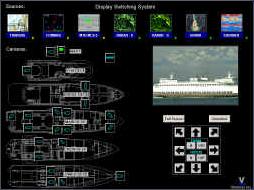 method of sharing a limited number of displays between multiple video sources. Sources can include ECDIS, radars, DP, alarm monitoring as well as non-computer based sources such as CCTV cameras and thermal imagers. In addition to video switching, the system also allows some sources to be controlled from any of the multi-function displays (MFD) using trackballs or touchscreens. Users can select the source they want to see by selecting from a graphical menu. PTZ cameras can be controlled using on-screen controls while viewing the image in a picture in picture window.
Conning
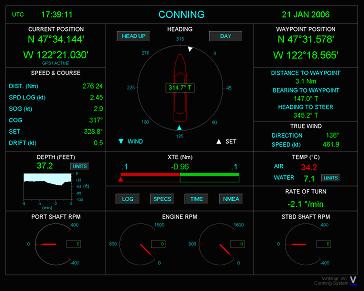 The conning system brings in NMEA 0183 data from navigational devices and displays it graphically on a single screen. It allows a user to monitor data from devices such as GPS, speed log, gyrocompass etc.
An integrated electronic logbook automatically acquires data and simplifies the process of generating crew watchtime reports.
Sample crew watchtime report
Alarm Mimic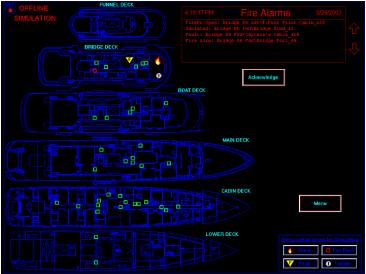
The alarm or fire mimic system interfaces with fire and other alarm panels such as for art as well as panic or duress alarms and displays them on a graphical screen. In order to display the state of individual smoke detectors, an addressable fire panel such as the Tyco Minerva panel is required. This system can show if a detector is isolated or in fault as well as the state of fire doors if that information is available via the fire panel. Alarms are logged historically. Fire attack plans can be integrated into this application.
Inventory Management
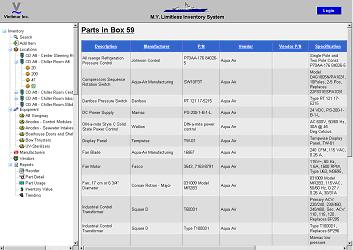 The inventory software makes it possible to track spare parts on yachts and in large estates. The
software is a web based application that makes it possible for multiple users
to access it simultaneously using a browser. No extra software or
configuration is required on client computers. An intuitive user interface
makes it easy to add and remove parts from the inventory.
The inventory software makes it possible to track spare parts on yachts and in large estates. The
software is a web based application that makes it possible for multiple users
to access it simultaneously using a browser. No extra software or
configuration is required on client computers. An intuitive user interface
makes it easy to add and remove parts from the inventory. Maintenance Tracking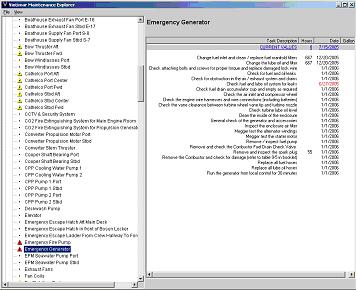
This software makes it possible to define and track preventive maintenance tasks based on date/time (weekly, monthly etc.), running
hours of the equipment or gallons/liters of fuel burnt in the case of engines
and generators and also reminders such as things that
need to be done when a yacht goes in to dry-dock. It can interface with a monitoring system to
automatically bring in running hours for the relevant equipment as well as
gallons of fuel burnt. All data is saved in a database along with a history of
all maintenance tasks performed. Non-scheduled repair tasks performed can
also be entered and make it a valuable knowledge base
that can help in troubleshooting of recurring problems.
Document Tracker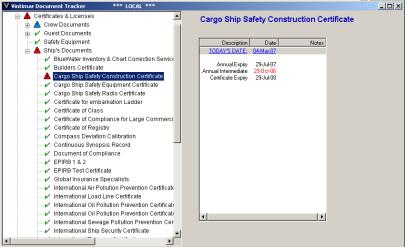
This software tracks expiration dates of important crew, guest and ship
documents. Crew documents include certifications, licenses,
passports etc. Ship documents include both class and flag state issued
documents. The program automatically calculates the next expiration
date once the relevant document is renewed. The software
minimizes the risk of missing an important renewal date via reminders. Variety of reports are easily generated. Special version for
yacht management companies makes it possible to monitor expiration dates for
documents for all yachts in the fleet. May 2007 Issue 84 Yacht Report article
Crew certification sample report
Management company crew sample report
Official crew sample report
Ship's documents sample report
Tank Monitoring
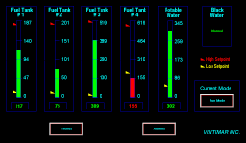 The tank monitoring system displays fuel, freshwater, grey and black water tank
levels. It corrects for the effect
of sloshing while underway by using filtering to provide stable and
accurate readings. The system also provide alarms at user specified
setpoints for low as well as high levels to prevent overfilling.
Tank volumes are displayed via bar graphs and can be trended.
The tank monitoring system displays fuel, freshwater, grey and black water tank
levels. It corrects for the effect
of sloshing while underway by using filtering to provide stable and
accurate readings. The system also provide alarms at user specified
setpoints for low as well as high levels to prevent overfilling.
Tank volumes are displayed via bar graphs and can be trended.
Grout Pressure Measurement System
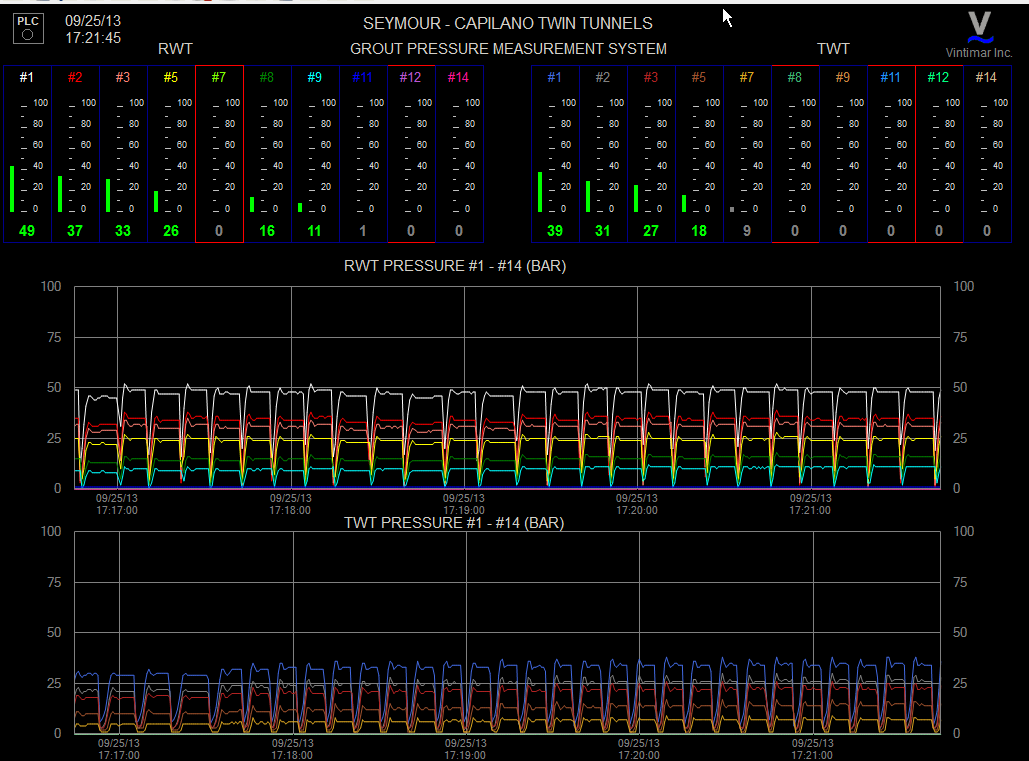
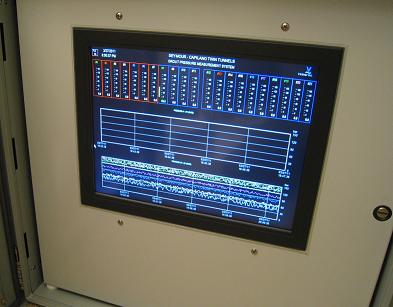 The Grout Pressure Measurement system is a PLC based data acquisition system that
reads pressures from pressure sensors and displays them on an industrial
touchscreen display. The data is also logged with timestamps. This system can be
used in any tunneling application in which grout has to be pumped a long
distance such as in hard rock tunnel boring. The display serves as an
operator interface and provides quick and easy visualization and location of
issues such as a plug in the pipe eliminating the need to walk the
line to find the location of the plug.
Sample pressure plot
The Grout Pressure Measurement system is a PLC based data acquisition system that
reads pressures from pressure sensors and displays them on an industrial
touchscreen display. The data is also logged with timestamps. This system can be
used in any tunneling application in which grout has to be pumped a long
distance such as in hard rock tunnel boring. The display serves as an
operator interface and provides quick and easy visualization and location of
issues such as a plug in the pipe eliminating the need to walk the
line to find the location of the plug.
Sample pressure plot